Migrating from Mendeley to ReadCube
< 1 min read
To migrate your Mendeley library to ReadCube you’ll need to have the Mendeley desktop application installed.
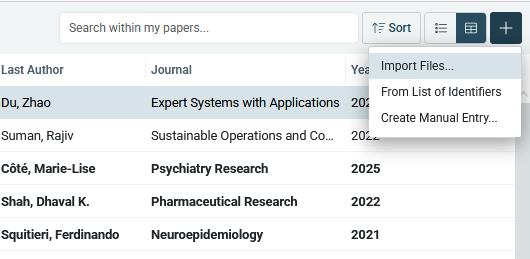
With the Mendeley desktop application installed, head to the ReadCube web application and click the plus ( + ) on the top right off the app, and select import files – Mendeley library

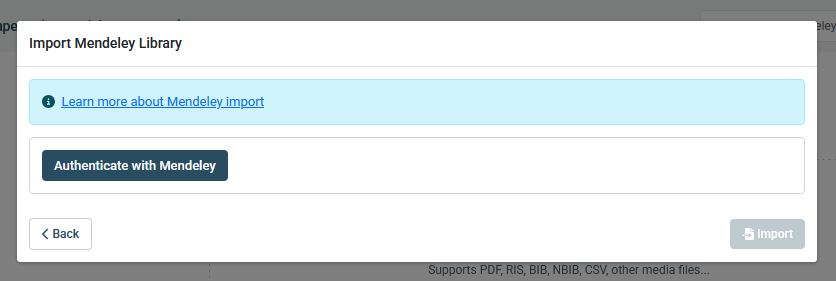
Once you’ve made your selection, hit “next” on the bottom right and you’ll be asked to log in with your Mendeley credentials.

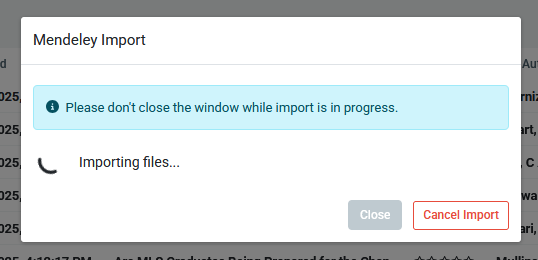
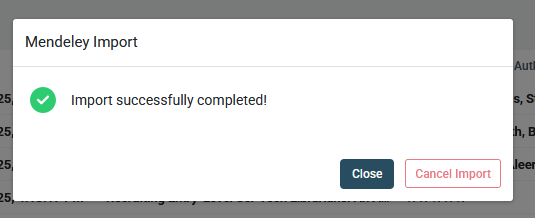
And once you click “import”, the migration from Mendeley will begin