About the Extension Sidebar
< 1 min read
Previous versions of the extension would try to locate the article DOI and then input extension buttons next to the title. This caused certain issues due to the fact that different publisher websites have different layouts.
The extension sidebar is a solution that works around those issues and allows users to add papers to their library quickly and easily, no matter which website they are on. The sidebar also shows a preview of the first page of the associated PDF so you can make sure you’re viewing the page of the PDF you want.
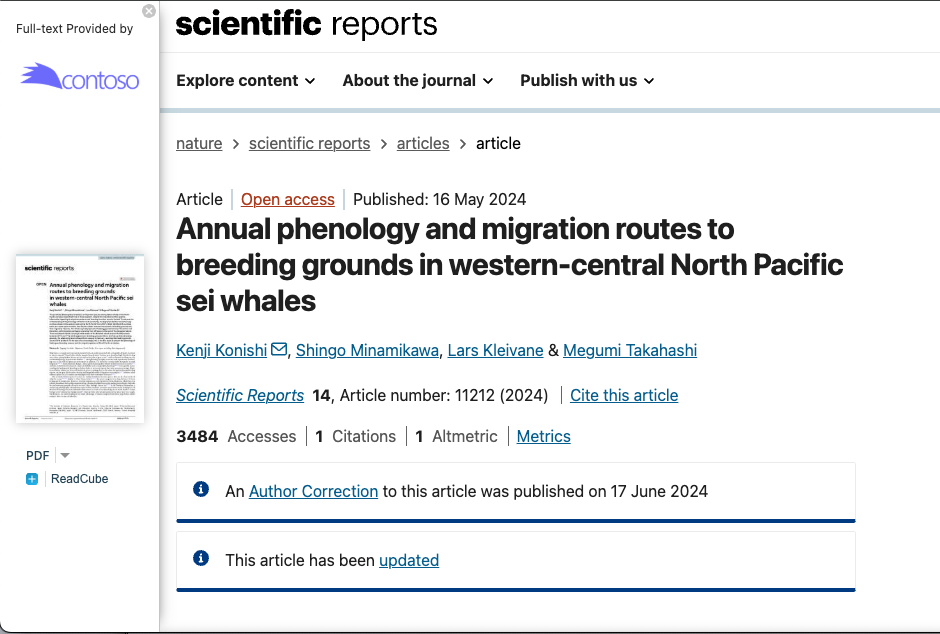
If you have Document Delivery on your account, once you select “Get PDF” for the desired article, you will be able to purchase the article to easily view the article.
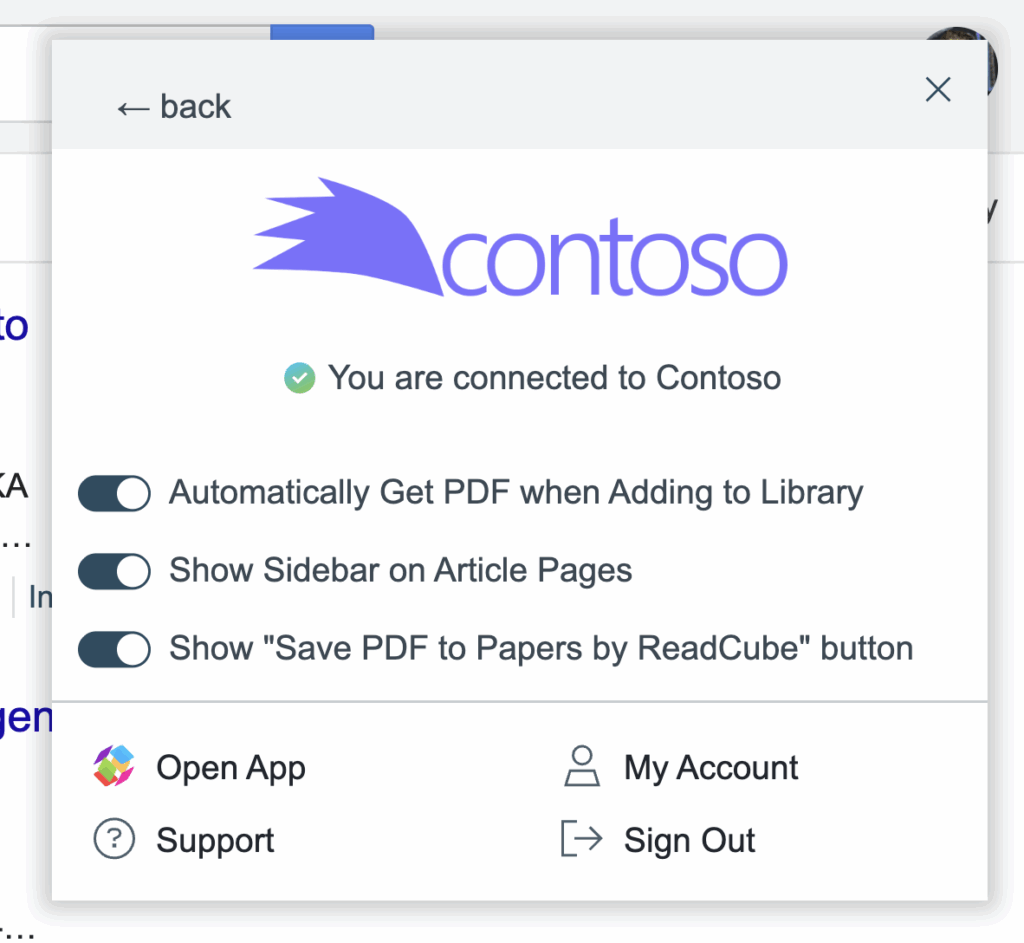
You can enable or disable the sidebar by toggling the option in extension settings, which can be accessed by clicking on the extension icon (next to your search bar) and clicking on “Settings”.