
AI Filtering in Search
< 1 min read
You can use ReadCube’s AI powered filter to tailor your searches to your specific needs. To use ReadCube’s AI powered search filter, do the following:
1. Run a search and click the ‘Filter’ button in the top-right corner.

2. In natural language, describe how you want the AI Assistant to filter your results.
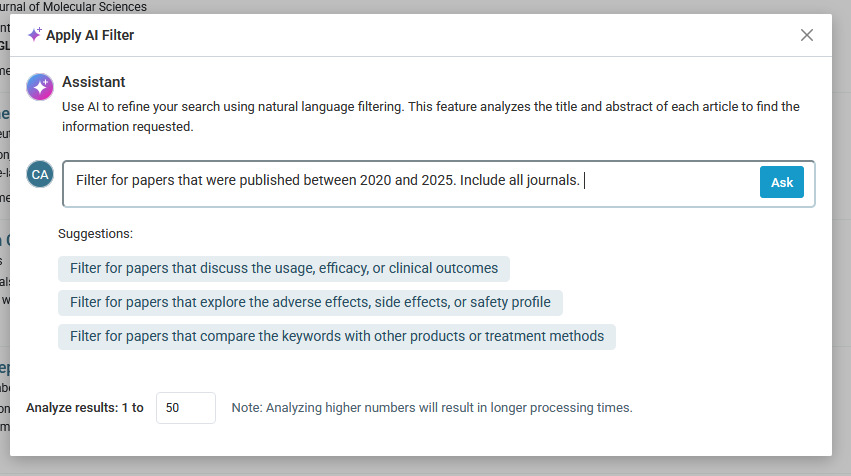
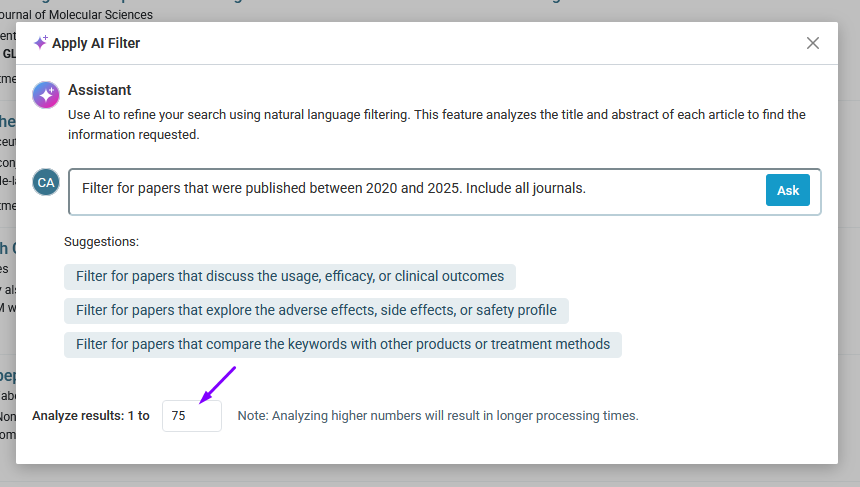
3. Adjust the number of results to be analyzed. Note that analyzing more results will take longer.
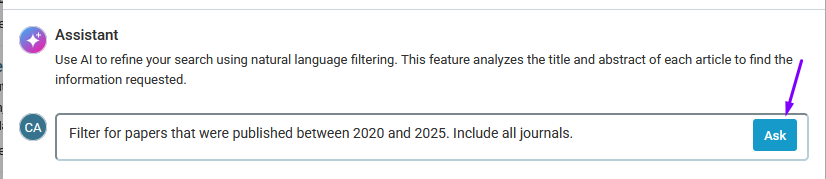
4. Click ‘Ask’ to filter your results, bringing high-priority studies to the top and minimizing manual sifting.
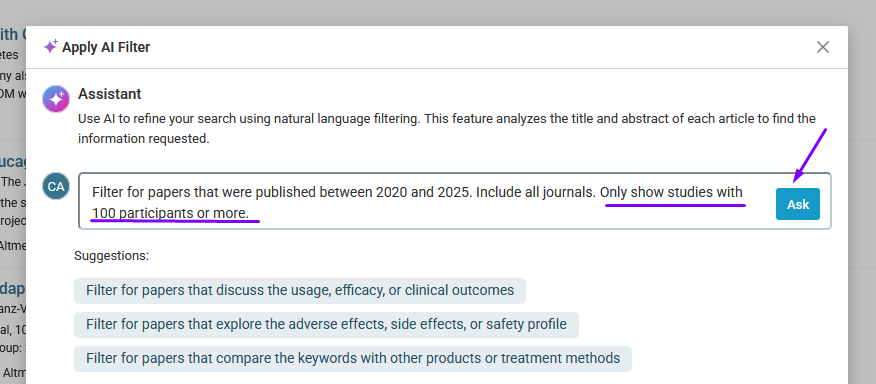
5. You can adjust the filter settings at any time to control what’s most important to your workflow.
Note: you must have ReadCube’s literature monitoring module to access to this feature.


