
How To Download the PDF Version of an Article From the Reader
< 1 min read
To download a copy of the PDF you are viewing – with or without any annotations you may have made – open the article in the Reader and click the “download” icon on the top right menu
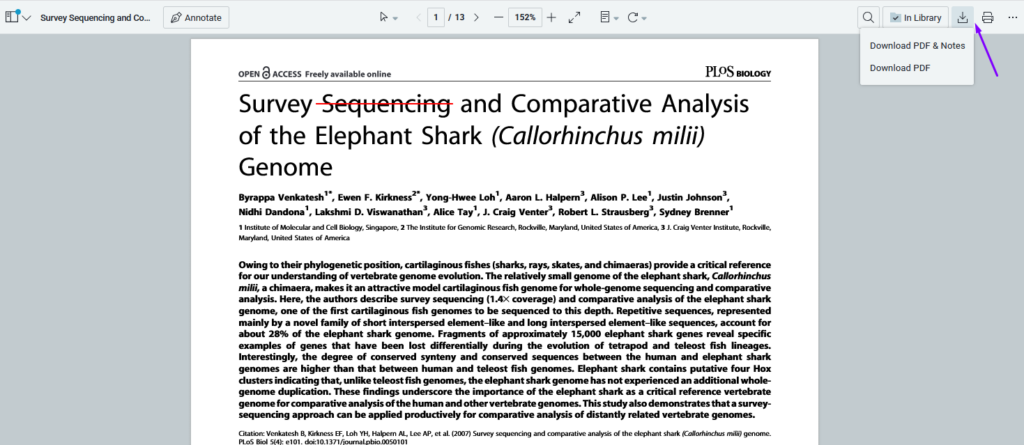
From there, make your selection, and your PDF will begin to download.


