
Duplicate Merging During Import
< 1 min read
When importing files such as RIS or BIB into Papers, you have the option to automatically merge duplicate articles during the import process.
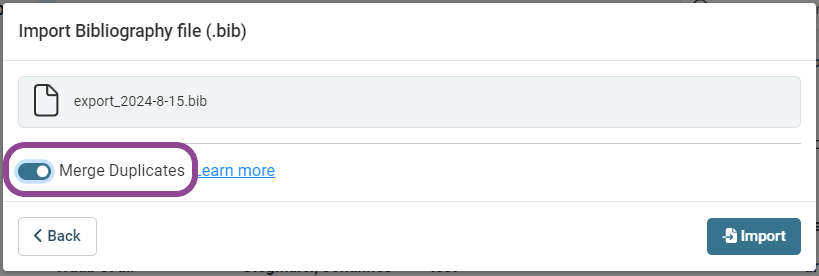
Turning on duplicate merging can be helpful if you know you want to remove duplicates. Note that doing so means the number of items you import into a library/list may not match the number of records in your BIB/RIS file, as merged items will be removed.
To ensure all of the items in your RIS/BIB file are imported into your library/list every time, you may disable duplicate merging. You can also manually merge duplicates at a later time if you choose to disable the option during import.
You can change the default behavior for duplicate merging during drag and drop operations in the desktop application in Papers Settings:


