
Using hyperlinks in SmartCite bibliography
< 1 min read
With SmartCite, you can enable hyperlinks in your bibliography, allowing you to quickly navigate from an inline citation to its full reference.
To use this feature:
- Generate your bibliography using SmartCite.
- Navigate to Options in SmartCite and select Turn on hyperlinks to bibliography.
- Once enabled, your inline citations will appear in blue, indicating they are now clickable links.
- To jump to the corresponding bibliography entry, hold Ctrl and click the inline citation.
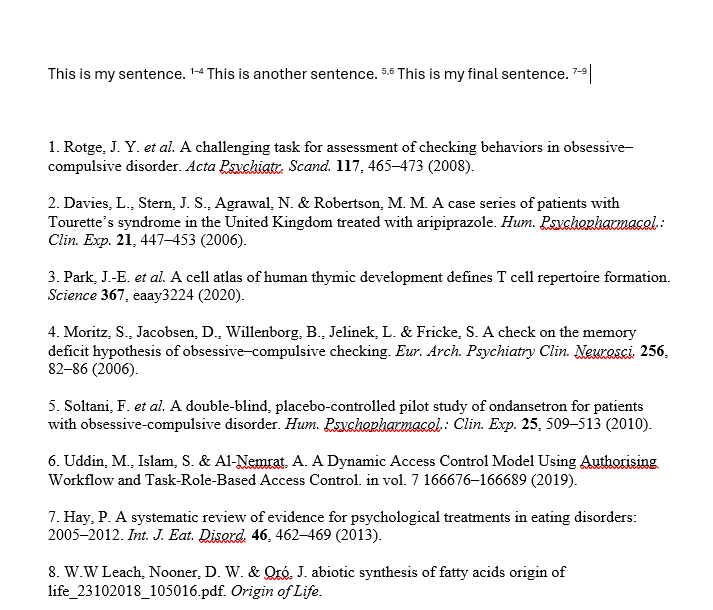
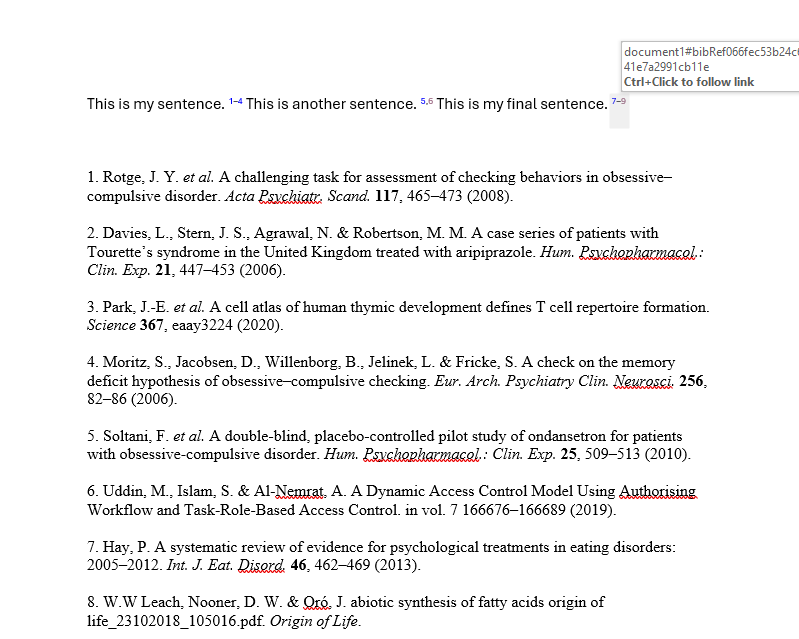
This feature enhances navigation within your document, making it easier to verify and edit references.


