
Using the AI Query Builder in ReadCube Search
< 1 min read
The AI Query Builder helps you find the research you need without worrying about complex Boolean syntax. It’s designed for anyone using ReadCube’s Literature Monitoring tools.
With AI Assist, you can type your question naturally and let ReadCube do the work of translating it into a Boolean search.
How to use the AI Query Builder
(1) Go to the Search module in your ReadCube account.

(2) Click Advanced below the search bar.

(3) Select AI Assist tab.
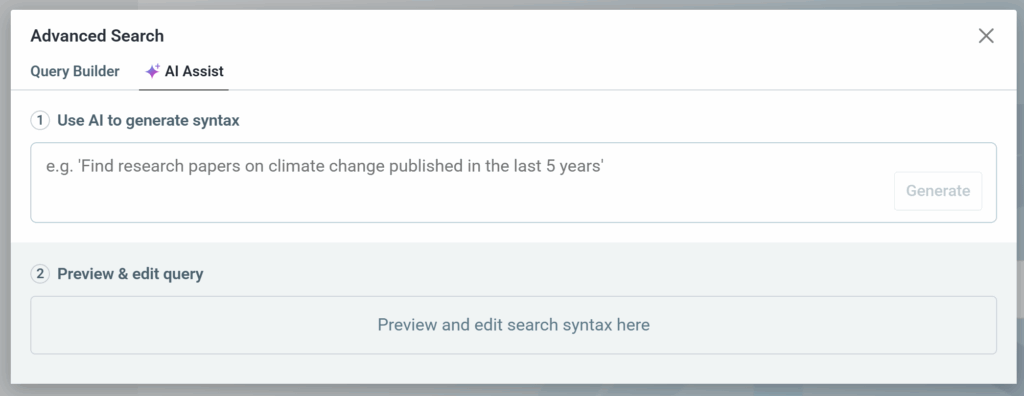
(4) Enter your topic or question in plain language (for example: What are current insights into plastic biodegradation by microorganisms??).
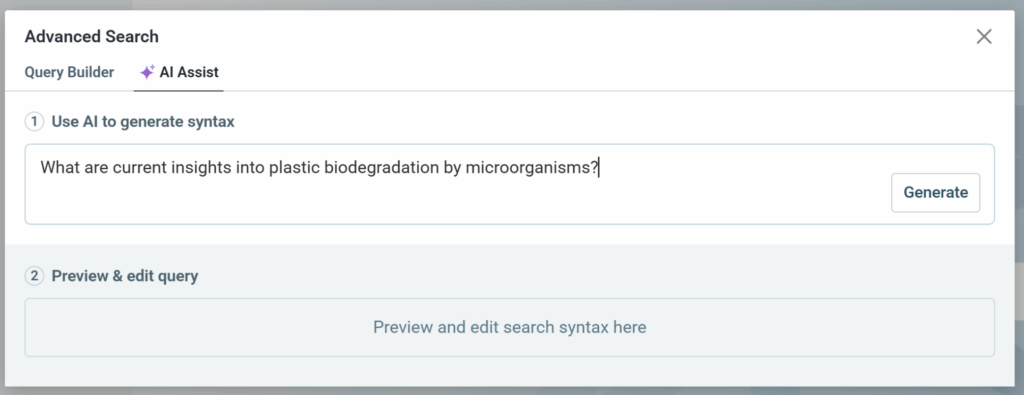
(5) Click Generate to automatically convert your question into a Boolean query.
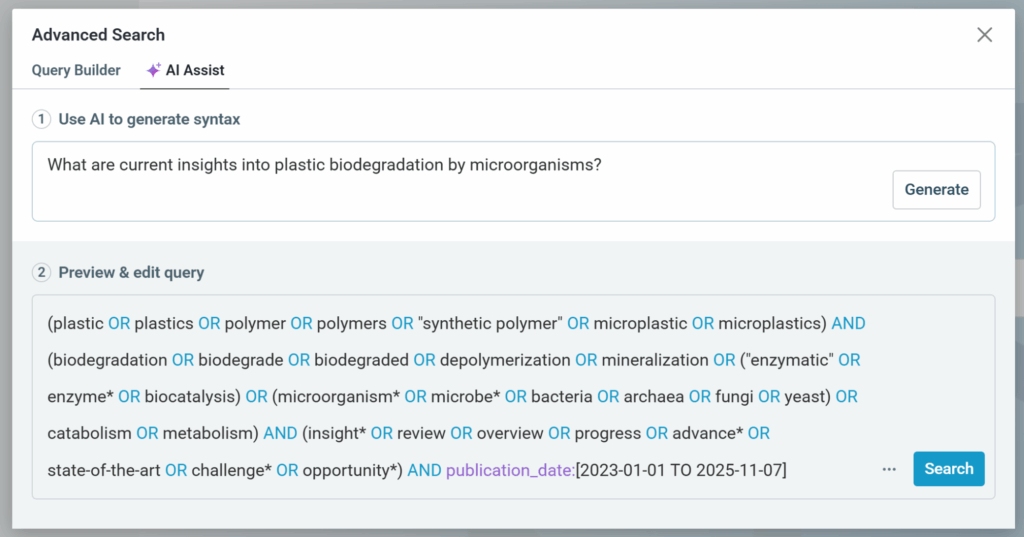
(6) Review or adjust the query if needed, then click Search to view your results.
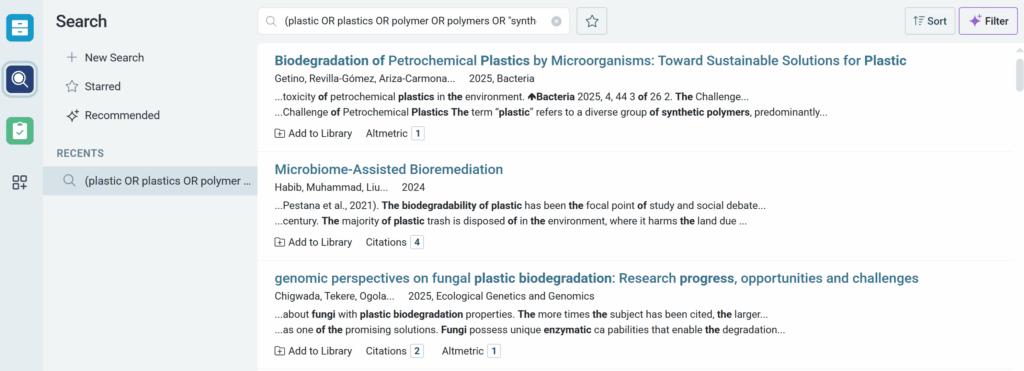
You can further refine your results by applying filters such as publication year, author, or journal once your Boolean search has been generated.
If you run into any issues or need more info, feel free to reach out to us at support@readcube.com. We’re always happy to help!


